Showing posts with label Photoshop Style. Show all posts

How to create Pressed and Embossed effect — Adobe Photoshop Tutorial


As everybody know the text embossing and the letterpress text effect has become a huge trend in our computer screens. So in this tutorial we will see how to create the letterpress and embossed text effect in Adobe Photoshop, and we will be using some basic layer styles in Photoshop.


How-To:

Loading the ASL file in Adobe Photoshop
1. Go to Edit -> Preset Manager.
2. In the Preset Type drop-down list select Styles.
3. On the right side of the dialog box click on the Load button.
4. Browse the location where your ASL file is placed and open the ASL file.
5. The styles are loaded in Photoshop.


Applying the styles

1. Select the layer you want to apply the style to.
2. Click on one of the styles in the Styles palette to apply it to the selected layer.


PS:
If your Styles palette isn’t turned on, go to Window > Styles to turn it on.

How to create Pressed and Embossed effect — Adobe Photoshop Tutorial


1 .PSD | 1 .asl (Style) | 1 .pat (Pattern) | 8.50 MB (8,921,088 bytes)

DOWNLOAD THE PHOTOSHOP FILE USED FOR THIS TUTORIAL
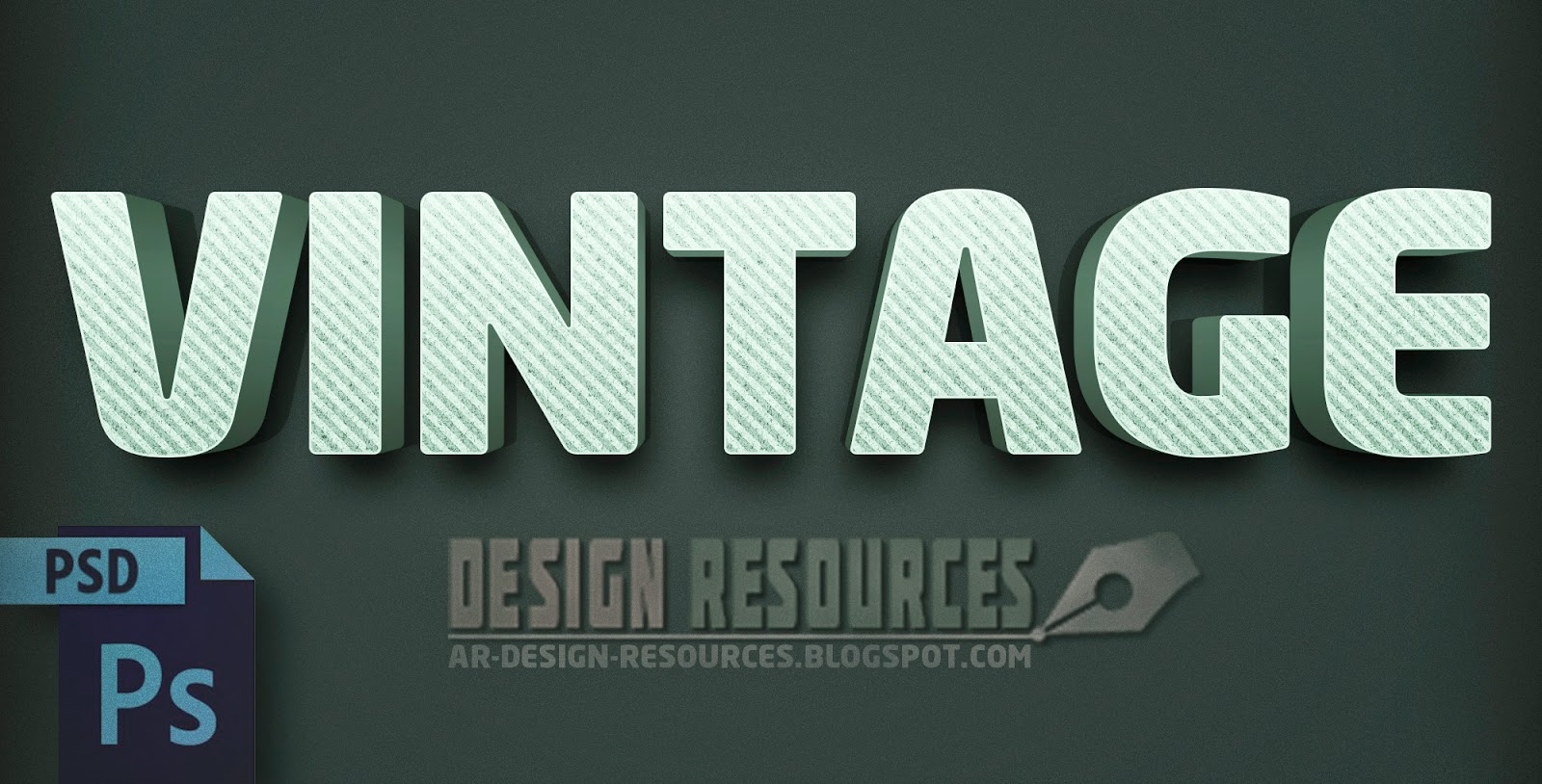
3D Vintage Text Effect — Photoshop PSD

Great 3D Vintage/Retro Text effect PSD, to create 3D retro looking text in 10 seconds. Fully Layered PSD works with smart object layer, 300dpi.

PSD | 9.03 MB


How to use:
Just double click on the smart Object (Edit your text) and it will open in a new window, type your text then save the changes, use Hue/Saturation to change the color if you want and you're done.


15 Free Cartoon Text Style Just one click to use in text, graphics, and shapes.

ASL | 15 item | 1.56 MB 


—Keywords: Free Styles, Free Download, asl, cartoon, colorful, comic, cool, cute, ghost, happy, style, summer, sun, bright color, cartoon, cartoon comic, cartoon style, cartoons, comic, comic textures, fun, game, layer style, rotpilz, text effect, thumbnail, web 2.0 text, text style, Free set, Add-ons,

Glitch Text Effect
A free Digital Glitch Text Effect PSD. It can be used to add some digital creative effect on your text. You can easily add your text using Smart object layer (Double Click to EDIT TEXT). Enjoy 

Glitch Text Effect

Glitch Text Effect


Hopefully you’ll find it useful. Please, if you like it, take some time to share it, it’s highly appreciated.
Thank you


Realistic Blood Text Effect

It’s almost November and with Halloween around the corner we'll be celebrating the upcoming Halloween season, by creating a realistic bloody text using layer styles and other cool techniques inside Adobe Photoshop. Enjoy! and Happy Halloween.


Realistic Blood Text Effect
 
Realistic Blood Text Effect

—Stock:
:::::IMPORTANT: Any stocks are used for preview and tutorial purposes only. in case you want to use it you need to read the rules from the owners of this stocks.

Splatter Brushes by: Spazz24
   -Brushes

Pattern: HERE

Font: Double Feature


50 Likes For PSD

Free Comic Book Creator Thumbnail

With this free Comic Book Creator Pack you can easily create comic books from your photos, using 7 different sizes Photo templates, 12 Comic Layout, 28 Comic Book Bubbles, 12 Comic Book Styles, all you need to do is to replace your photo. ENJOY!
 
 
ADR_7 Comic Book Photo Template Thumbnail
Choose the PSD size you want, and then just double click on the smart object, it will open a new window, place your image and save document and done. (You can also use Action file if you want)

ADR_12 Comic Book Page Layout Thumbnail
Choose one of the 12 Comic Book Page Layout, and then just Double Click on one of the frame smart object, it will open a new window, place your image and save document and done.

ADR_28 Comic Book Bubbles Thumbnail
Choose from 28 different Bubbles shapes, just open Photoshop and go to EDIT and select PRESET MANAGER, when the PRESET MANAGER pops up, choose "Custom Shapes" from the drop down menu, Choose "Load" and when the file dialog comes up, find the .csh file "ADR_28 Comic Book Bubbles" you downloaded and select it and press OK.

ADR_12 Comic Book Styles Thumbnail
Choose from 12 different Styles that can work with type and shapes, just open Photoshop and go to EDIT and select PRESET MANAGER, when the PRESET MANAGER pops up, choose "Styles" from the drop down menu, Choose "Load" and when the file dialog comes up, find the .asl file "ADR_12 Comic Book Styles" you downloaded and select it and press OK.


 —Images Used:
        •IMPORTANT: Any images are used for preview and tutorial purposes only. In case you want to use it you need to read the rules from the owners of this stocks.

Model 1:

Model 2:

FONT:

Powered by Blogger.